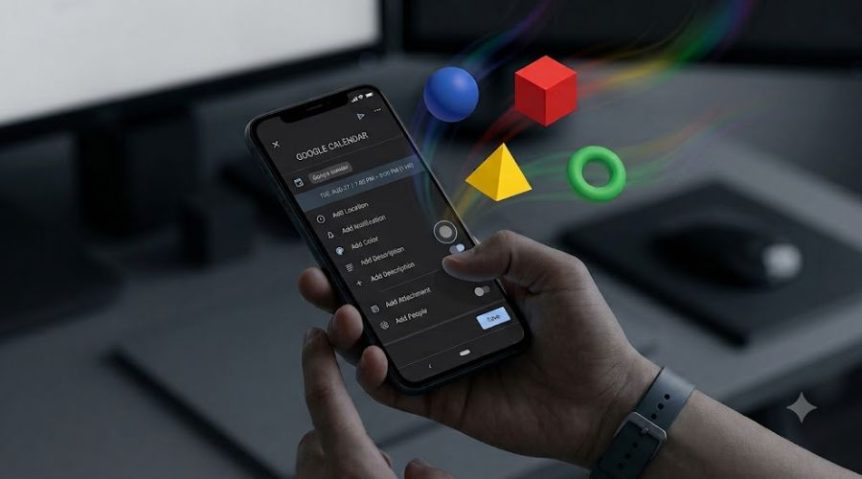
Google Calendar Colours Not Working. Another day, another Google product quietly deciding it knows better than you.
This time it’s Calendar. I went in to add a new event on Android, tried to change the colour like I’ve done a hundred times before, and — nothing. Stuck on default. No error message, no explanation, just a colour picker pretending it doesn’t have a job to do.
The Google Calendar Colours Update
No changelog. No “we’ve changed how colours work, here’s why.” Google never tells you what it’s changed — you just find out mid-task, when something that used to work simply doesn’t.
Log into Google Calendar on the web, though, and it’s a completely different story. Everything is pristine. Desktop gets the updated palette without a hitch, while the Android app chokes on the handoff and acts like colours were never invented.
Why This (Probably) Happens
My guess? Google pushed a backend update to Calendar’s palette system. Desktop picked up the new manifest without issue. The Android app, meanwhile, seems to have missed the memo entirely — like it never got told colours had changed. Two teams, two codebases, zero communication. Business as usual.
The Workaround
Naturally, the fix isn’t in the app settings. It’s a ritual:
- Settings → Apps → Calendar → Storage
- Clear cache → Go back → Force stop
- Reopen Calendar → Hamburger menu → refresh

Do all three, in order, and Calendar finally re-fetches the manifest and remembers colours exist. In fact, you get more of them than before — which raises the question of why they were hidden in the first place.
The Google Calendar Colours Verdict
A basic feature broken by a silent backend update nobody asked for, fixed by treating your phone like a haunted appliance. Classic Google — five minutes of your life, no apology, no explanation. File it under “Fun With Google” and move on.
Got a Google bug of your own? You’re not alone — check the rest of the Fun With Google series for more.
Featured Image for Google Calendar Colours Not Working (Fix Included) created using Gemini/Nano Banana 
Related Posts
→ Fun with Google series
